
TABLE OF CONTENTS
- Maintenance Categories
- Decision Logic: How ResiRoo Determines Actions
- Post-Triage Behavior
- Emergency Handling
- Unit-Level Historical Awareness (Advanced Capability)
- Communication Style
1. Request Intake
- Residents submit requests via SMS or PMS
- ResiRoo initiates a structured conversation
2. Issue Identification
- Determines category (e.g., plumbing, HVAC, appliances)
- Applies category-specific protocols
3. Troubleshooting & Data Collection
- Asks guided questions
- Requests photos when needed
- Gathers all required details before escalation
4. Emergency Detection
- Evaluates whether the issue meets emergency criteria
- If confirmed:
- Notifies the emergency team
- Continues gathering information without skipping steps
5. Resolution Path
- If resolvable → guides resident to solution
- If vendor needed → assigns or escalates
- If unclear → routes to Human-in-the-Loop (HITL)
Maintenance Categories
ResiRoo follows structured workflows tailored to each category:
- General Maintenance (doors, windows, fixtures)
- Systems (plumbing, HVAC, water supply)
- Appliances (refrigerator, washer/dryer, dishwasher)
- Electrical (outlets, switches, outages)
- Landscaping (irrigation, exterior issues)
- Pest Control (insects, rodents)
- Garbage Disposal (jams, leaks, malfunctions)
Each category includes:
- Defined troubleshooting steps
- Required questions
- Photo requirements
Decision Logic: How ResiRoo Determines Actions
ResiRoo adapts dynamically using four layers of logic:
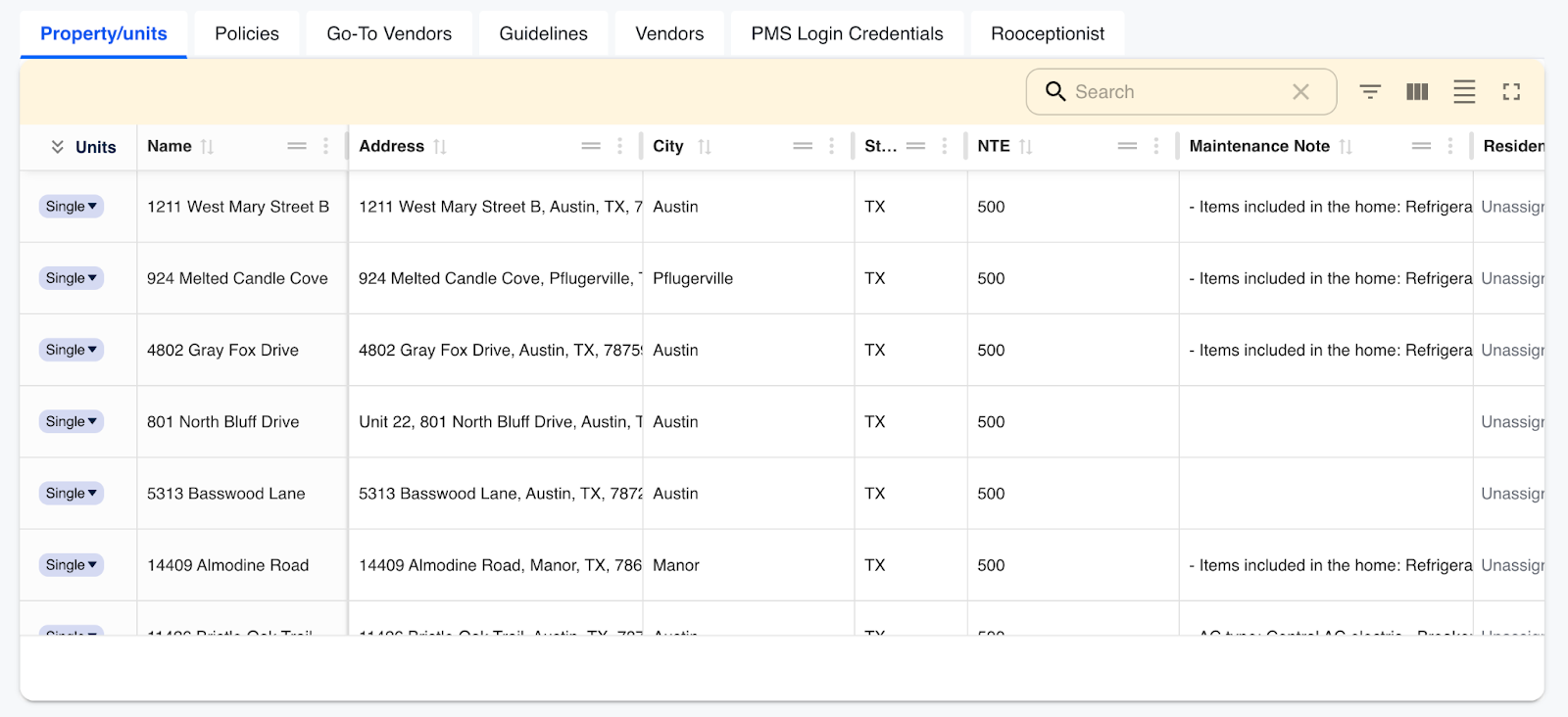
1. Property & Unit-Level Data (PMS)
- Unit-specific notes (e.g., recurring issues)
- Building rules and service preferences
- Tags such as “VIP unit” or “owner-occupied”
2. Custom Client Instructions (via PMRoo)
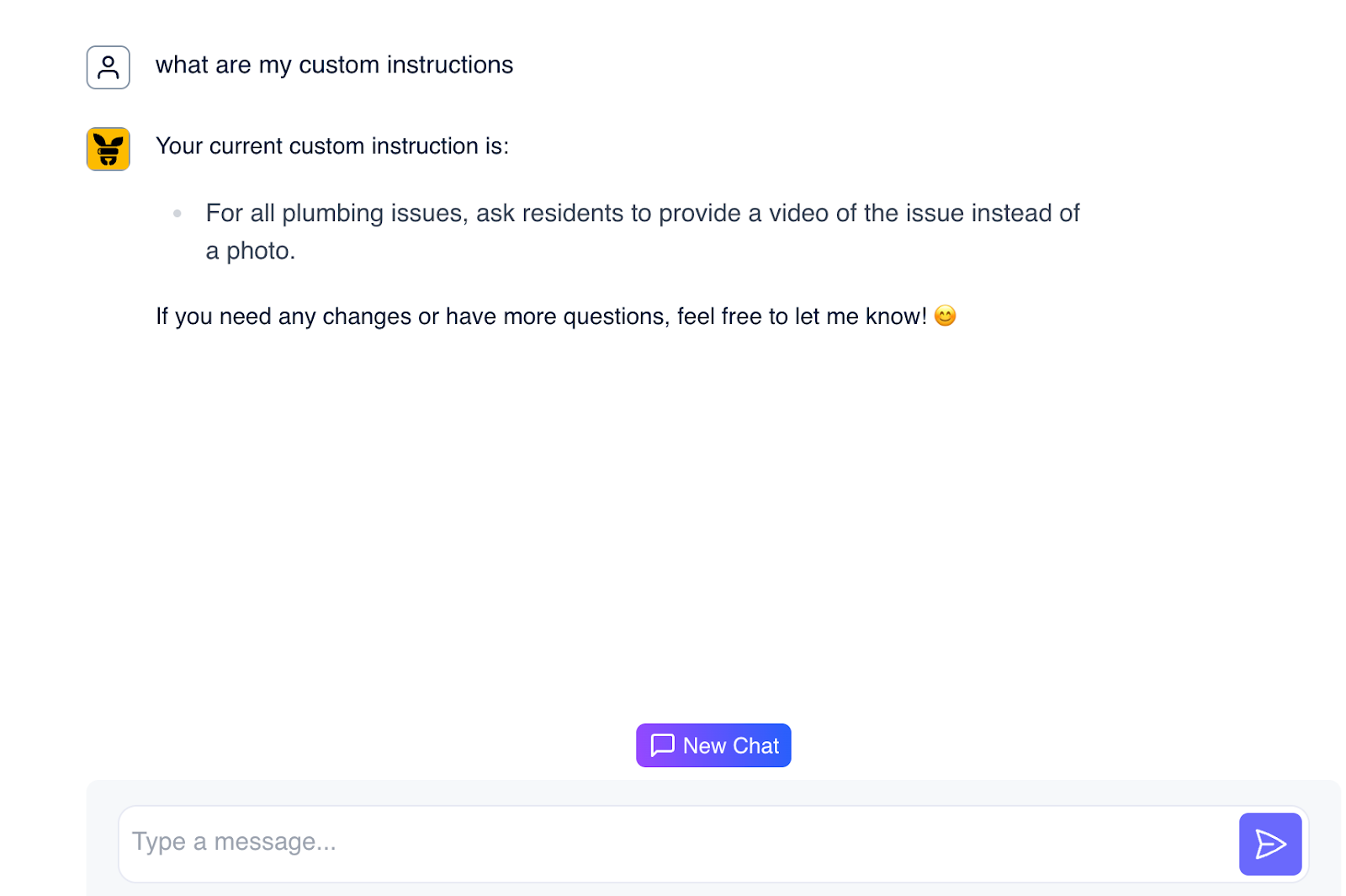
- Client-defined rules and exceptions
- Examples:
- “Skip troubleshooting for elderly residents”
- “Use preferred vendor for specific issues”
- “Do not text after certain hours”
3. Client-Wide Protocols
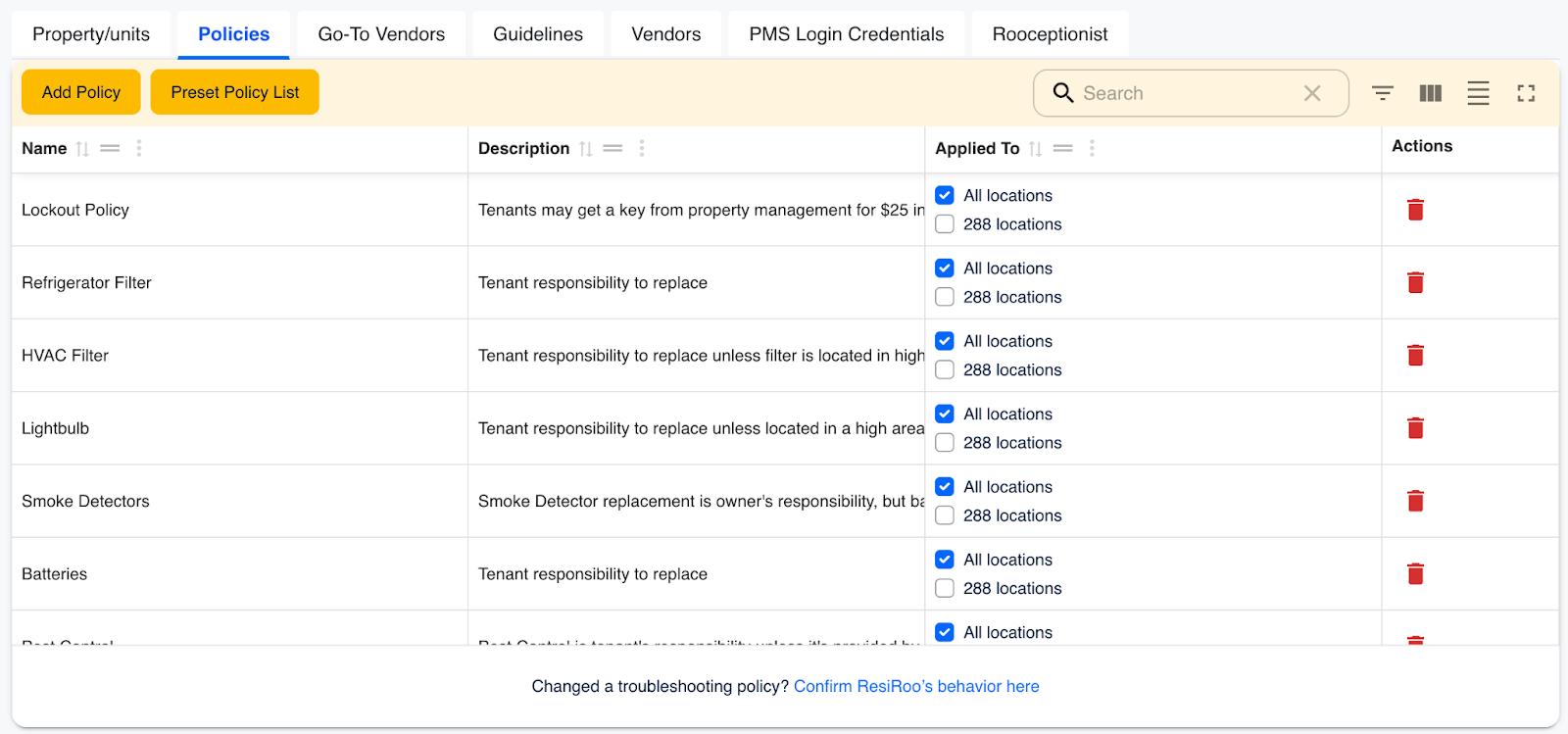
- Standardized policies applied across all units
- Examples:
- Auto-create work orders for specific conditions
- Restrict vendor scheduling windows
- Adjust escalation thresholds
4. Vendoroo Default Guidelines
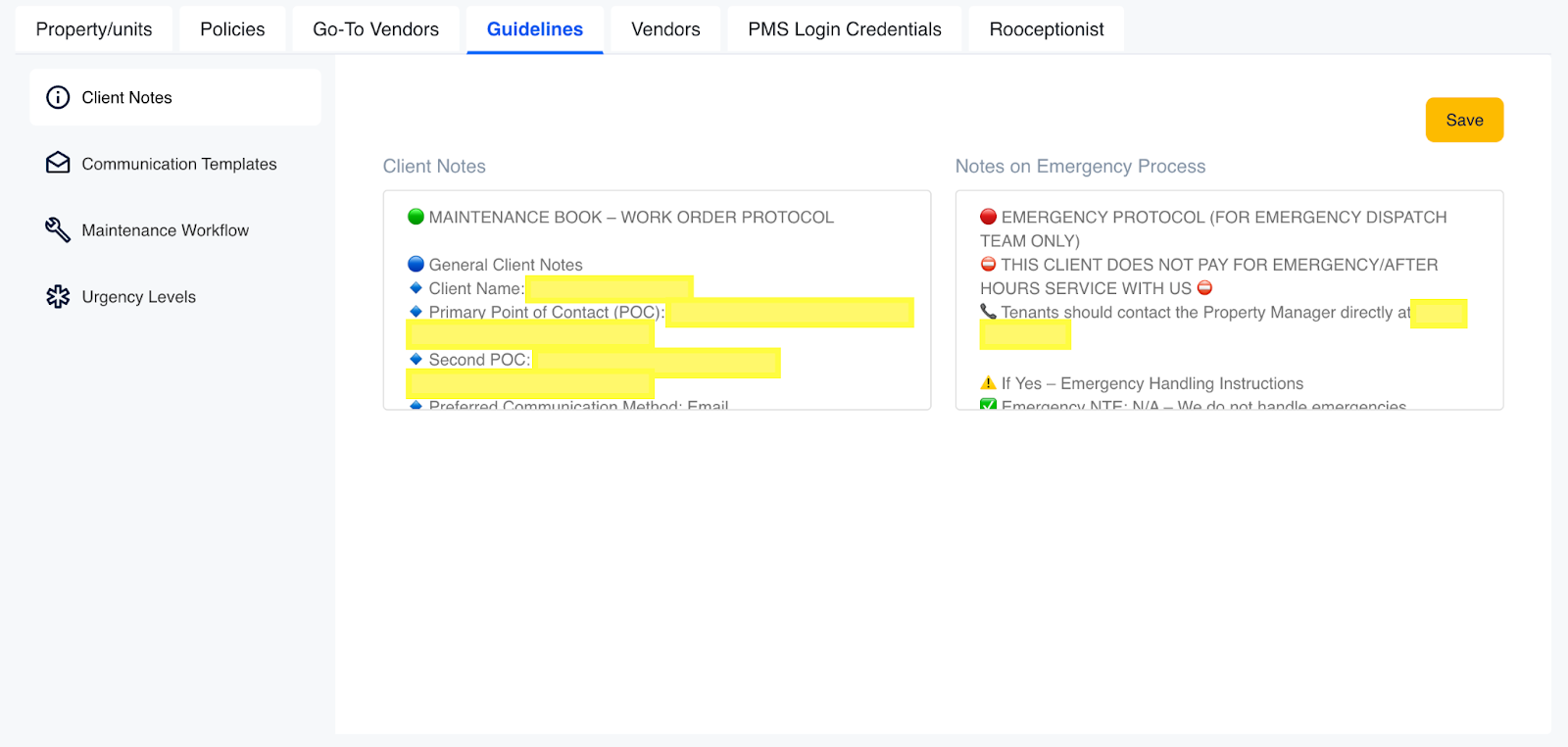
- AI fallback logic when no custom rules exist
- Includes:
- Proven troubleshooting flows
- Resident-friendly communication standards
- Smart escalation logic
Post-Triage Behavior
Once triage is complete:
- Resolved by resident → Guided self-resolution
- Vendor required → Assigned or escalated for scheduling
- Unclear case → Escalated to Human-in-the-Loop or flagged for review
Emergency Handling
When an emergency is confirmed:
- Emergency team is notified immediately
- Resident is informed that action is underway
- Data collection continues (no skipped steps)
- Case moves to completion only after all required inputs are gathered
Examples of emergencies:
- Active water leaks
- No heat in freezing conditions
- Electrical hazards
- Gas leaks
Unit-Level Historical Awareness (Advanced Capability)
ResiRoo enhances decision-making by referencing prior work orders at the unit level:
- Detects repeat issues within a defined timeframe
- Adjusts troubleshooting based on historical context
- Improves vendor routing and prioritization
- Increases perceived intelligence and continuity
Important:
This feature is based on address-level awareness, not resident identity. No assumptions are made about tenant relationships or personal data.
Communication Style
ResiRoo uses:
- Soft, professional, and suggestive language
- Clear and empathetic tone
- Customizable voice aligned to your brand
Example:
- Instead of: “We won’t handle this”
- ResiRoo says: “This typically falls under resident responsibility, but I’m happy to guide you.”

Access PMRoo
Monitor, chat, and take action across your operations→ Click Here
View the Education Series
Learn workflows, automation, and best practices→ Click Here
Need help? Start with PMRoo, If you still need help contact the support email
Contact the support team: support@vendoroo.freshdesk.com
Was this article helpful?
That’s Great!
Thank you for your feedback
Sorry! We couldn't be helpful
Thank you for your feedback
Feedback sent
We appreciate your effort and will try to fix the article