 TABLE OF CONTENTS
- Overview
- What VenCom Does
- Why It Matters
- Vendor Communication Expectations
- What VenCom Needs to Succeed
- Setup & Optimization Best Practices
- Key Takeaway
Overview
VenCom is your AI-powered vendor coordination layer, designed to streamline maintenance operations, improve response times, and ensure no work order falls through the cracks.
By automating vendor communication and follow-ups, VenCom acts as an extension of your operations team — helping you move faster without increasing headcount.
What VenCom Does
VenCom automates the day-to-day work of vendor coordination:
- Assigns jobs to the most appropriate vendor
- Sends follow-ups and appointment reminders automatically
- Confirms vendor arrival with residents
- Collects proof of work (photos, notes, completion updates)
- Identifies underperforming vendors through behavioral trends
- Reduces up to 60% of manual vendor coordination workload
Think of VenCom as the operational layer that keeps your maintenance workflow moving efficiently.
Why It Matters
Industry benchmarks show a clear gap between expectations and reality:
- 60% of owners expect a response within 1 hour
- Property managers often take 2–3 days to provide updates
- Work orders take 6+ days to close, while expectations are closer to 3 days
VenCom helps close this gap by automating follow-ups and enforcing vendor accountability — without requiring constant manual intervention.
Vendor Communication Expectations
VenCom follows structured response time goals:
| Priority Level | Response Time Goal |
|---|---|
| Emergency | Within 30 minutes |
| High Priority | Within 12 hours |
| Medium/Low | Within 24 hours |
If a vendor does not respond within the expected window, VenCom triggers alerts and suggests next steps — keeping you informed without micromanagement.
What VenCom Needs to Succeed
To operate effectively, VenCom relies on high-quality inputs:
| Requirement | Why it matters |
|---|---|
| Accurate Contact Information | Up-to-date phone numbers and emails ensure vendors can be reached quickly. |
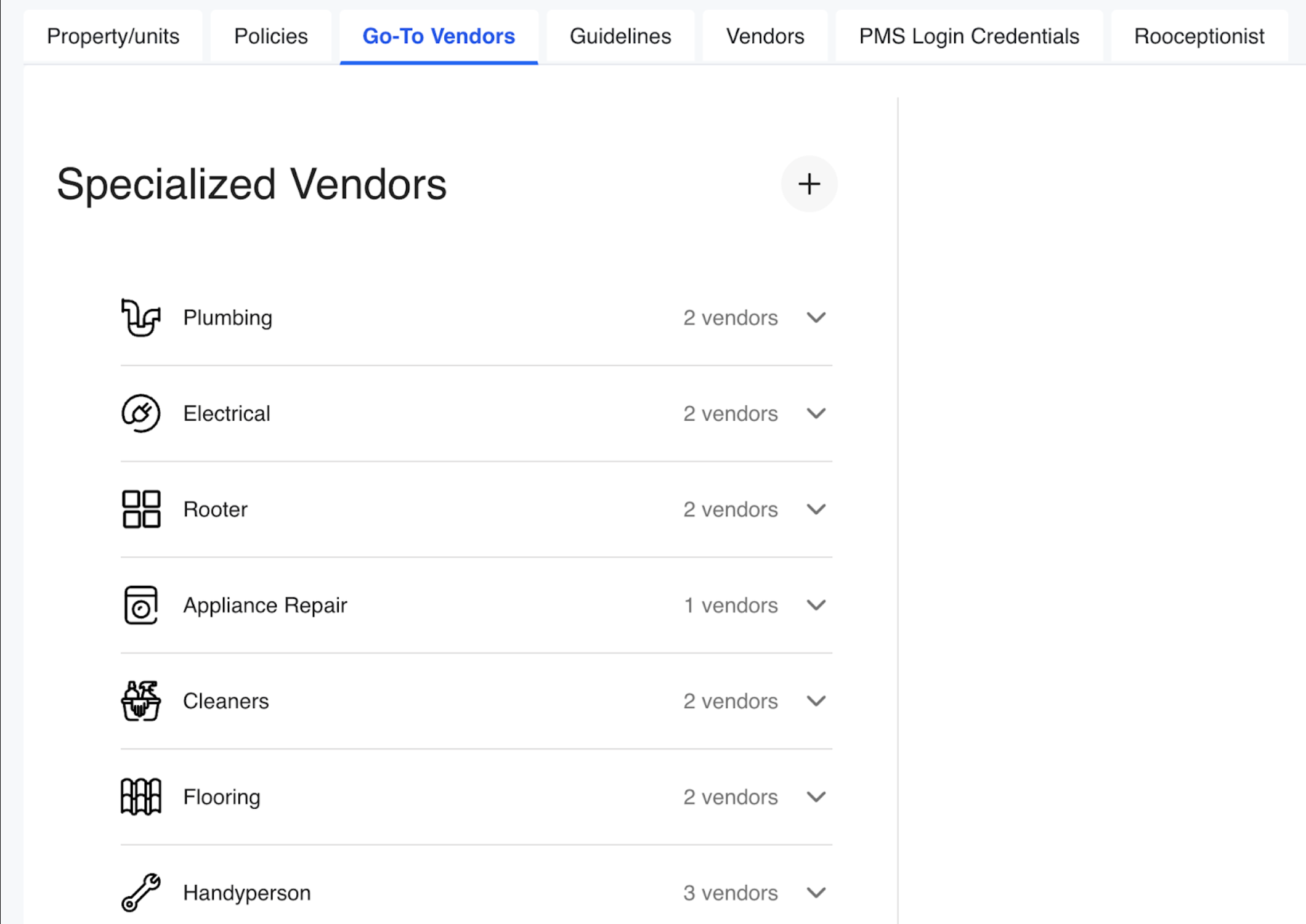
| Go-To Vendor Book | A structured list of preferred vendors by trade allows VenCom to:
 |
| Detailed Vendor Notes | Provide context such as:
This reduces unnecessary back-and-forth and improves execution speed. 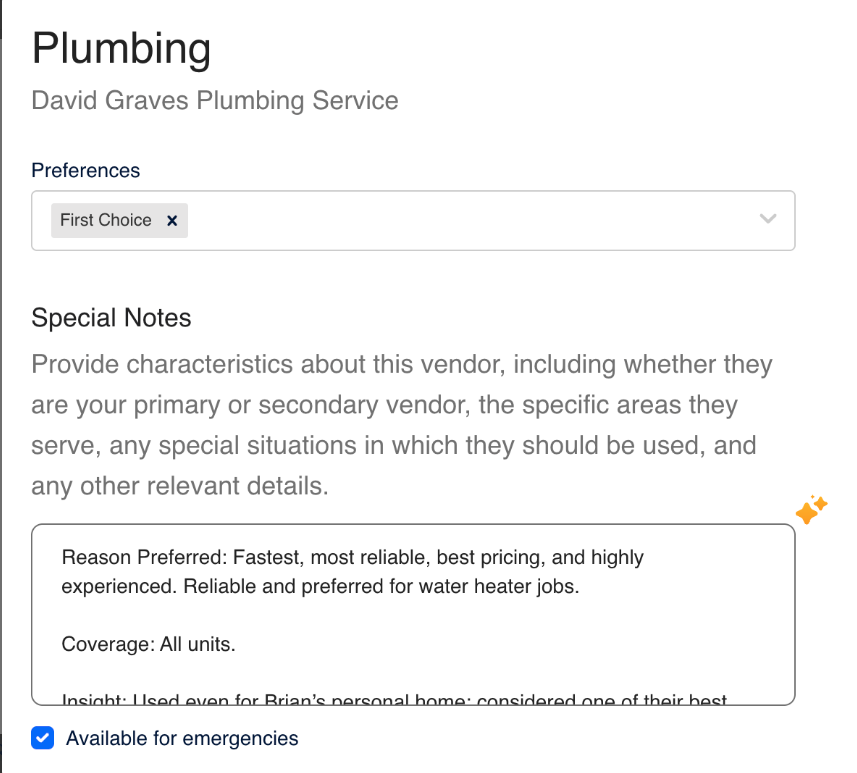 |
| Clear Response Policies | Define what qualifies as:
This allows VenCom to apply the correct communication cadence and escalation logic. 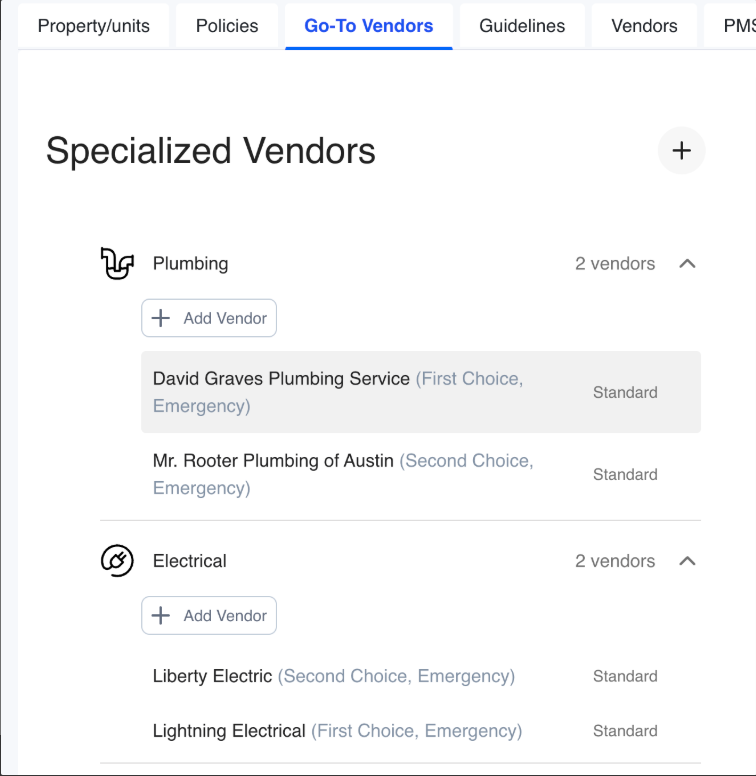 |
| Accurate property information | Unit access details, gate codes, and resident contact info help vendors arrive prepared. |
Setup & Optimization Best Practices
Follow these recommendations to maximize performance:
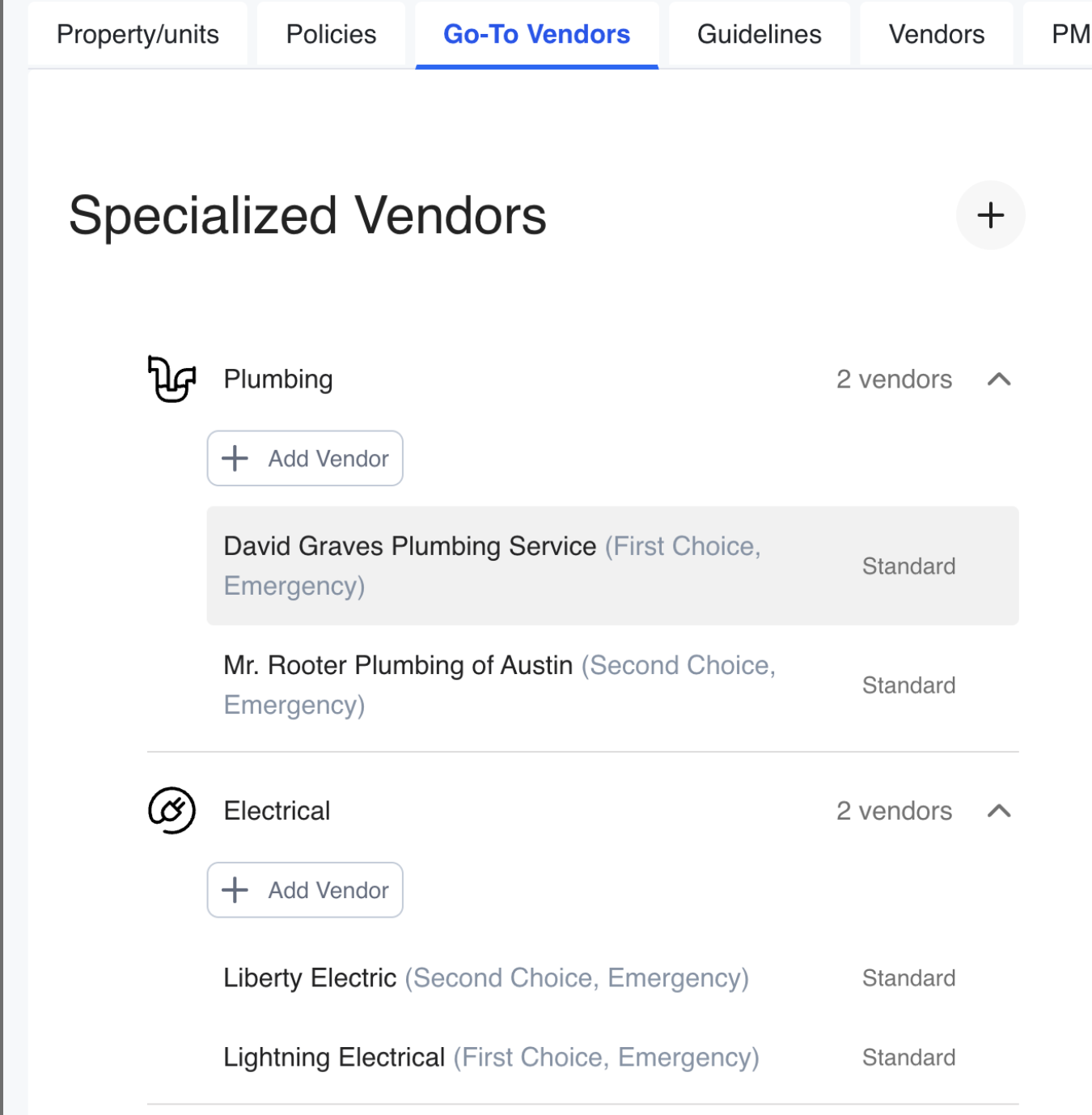
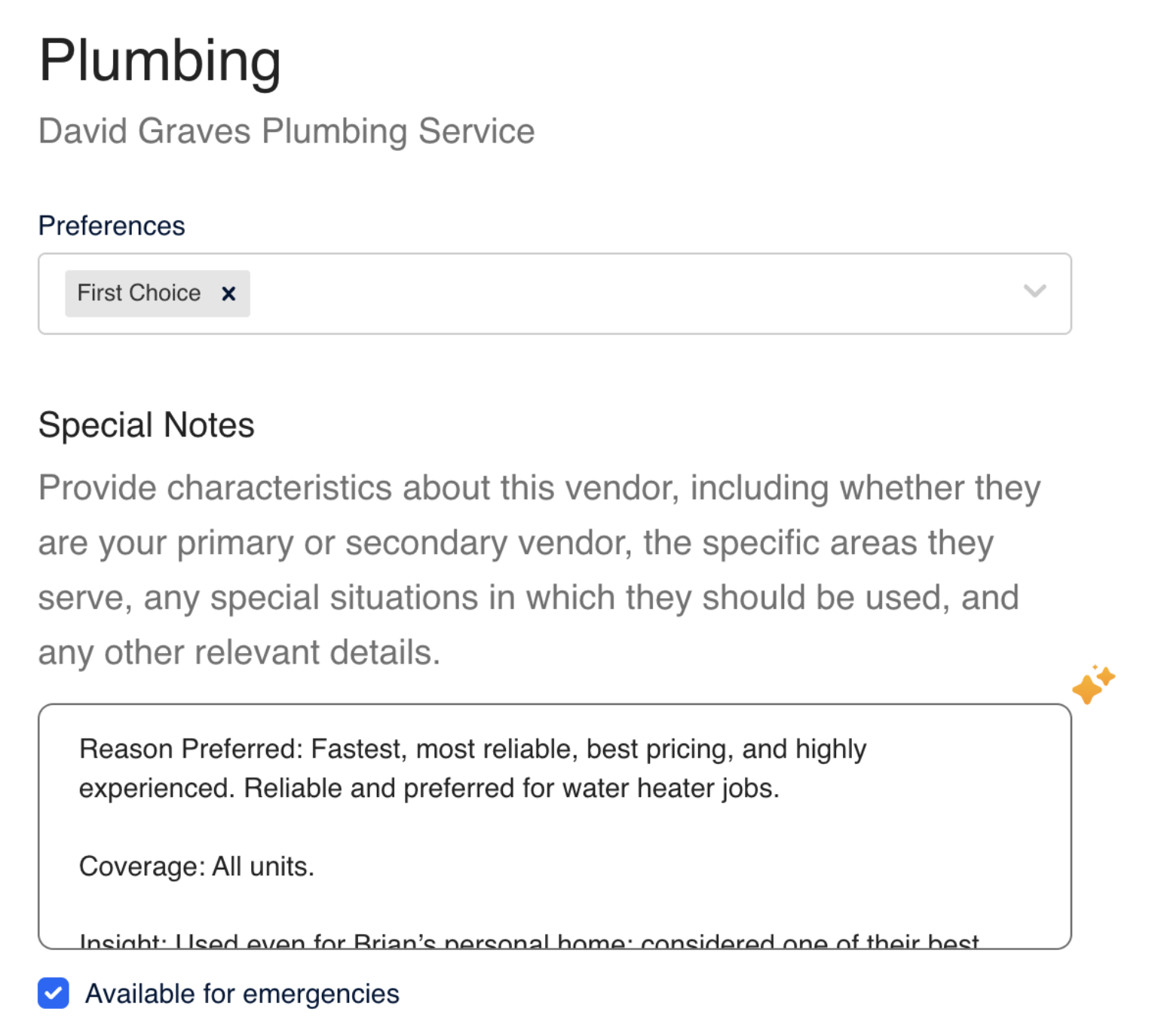
Label Vendors by Tier
Example:
- Primary plumber
- Backup HVAC
- Handyman
Add Contextual Notes
Include helpful operational context such as:
- “Vendor familiar with property layout”
- “Requires gate access code”
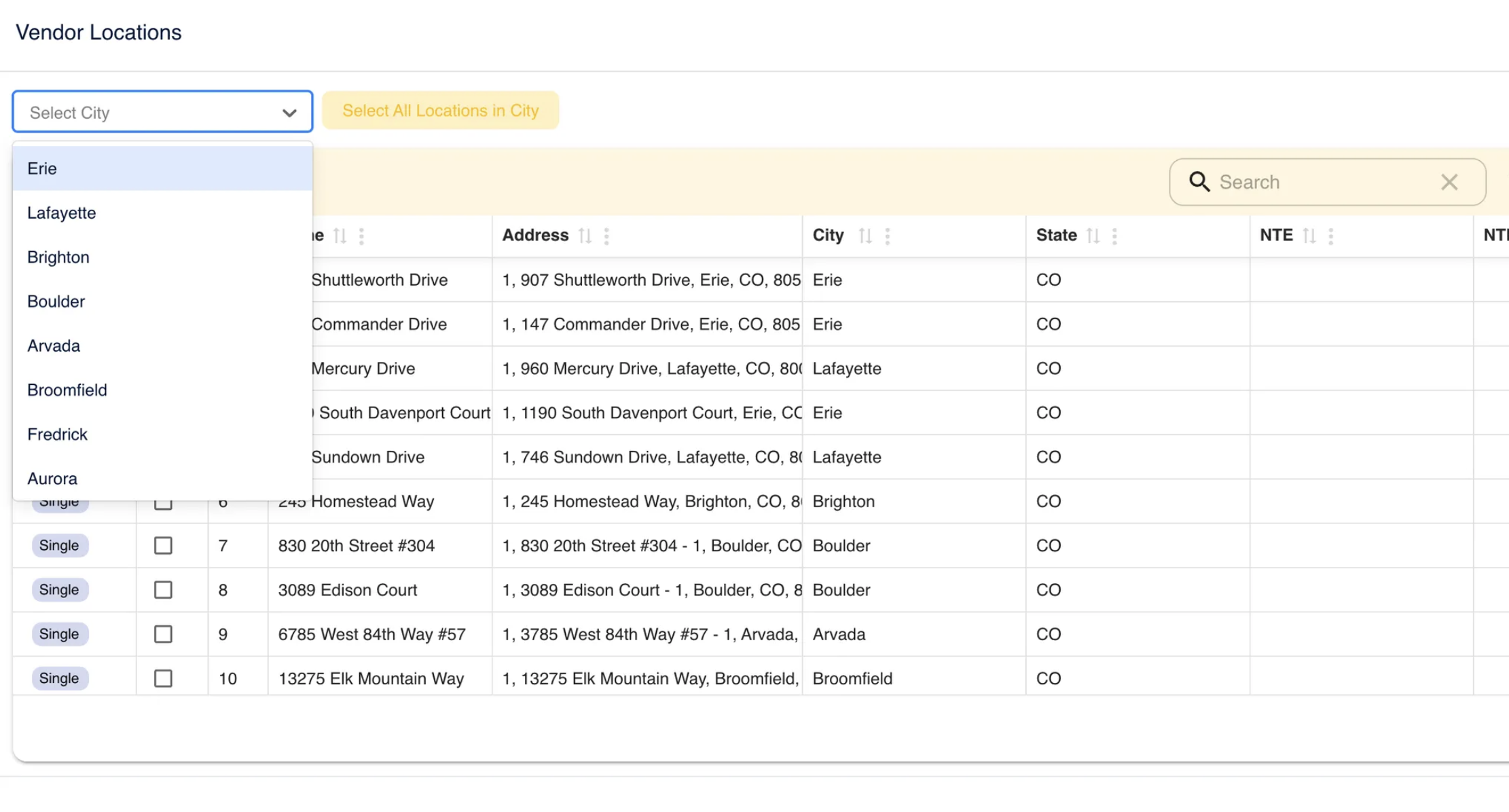
Tag by Location & Specialty
Use city, ZIP code, or property-level tags to improve dispatch accuracy.
VenCom Best Practices Summary
| Best Practice | Result |
|---|---|
| Keep vendor contact info accurate | Faster job acceptance and scheduling |
| Predefine vendor response policies | Stronger vendor accountability |
| Create a tiered vendor list by trade | Better routing efficiency |
| Use detailed property/vendor notes | Fewer delays and misunderstandings |
| Notify support when trialing vendors | Improves AI learning and performance |
Key Takeaway
VenCom transforms vendor coordination from a reactive, manual process into a proactive, automated system — improving speed, accountability, and overall maintenance performance.

Access PMRoo
Monitor, chat, and take action across your operations→ Click Here
View the Education Series
Learn workflows, automation, and best practices→ Click Here
Need help? Start with PMRoo, If you still need help contact the support email
Contact the support team: support@vendoroo.freshdesk.com
Was this article helpful?
That’s Great!
Thank you for your feedback
Sorry! We couldn't be helpful
Thank you for your feedback
Feedback sent
We appreciate your effort and will try to fix the article